Guide3 of 6
Earning time
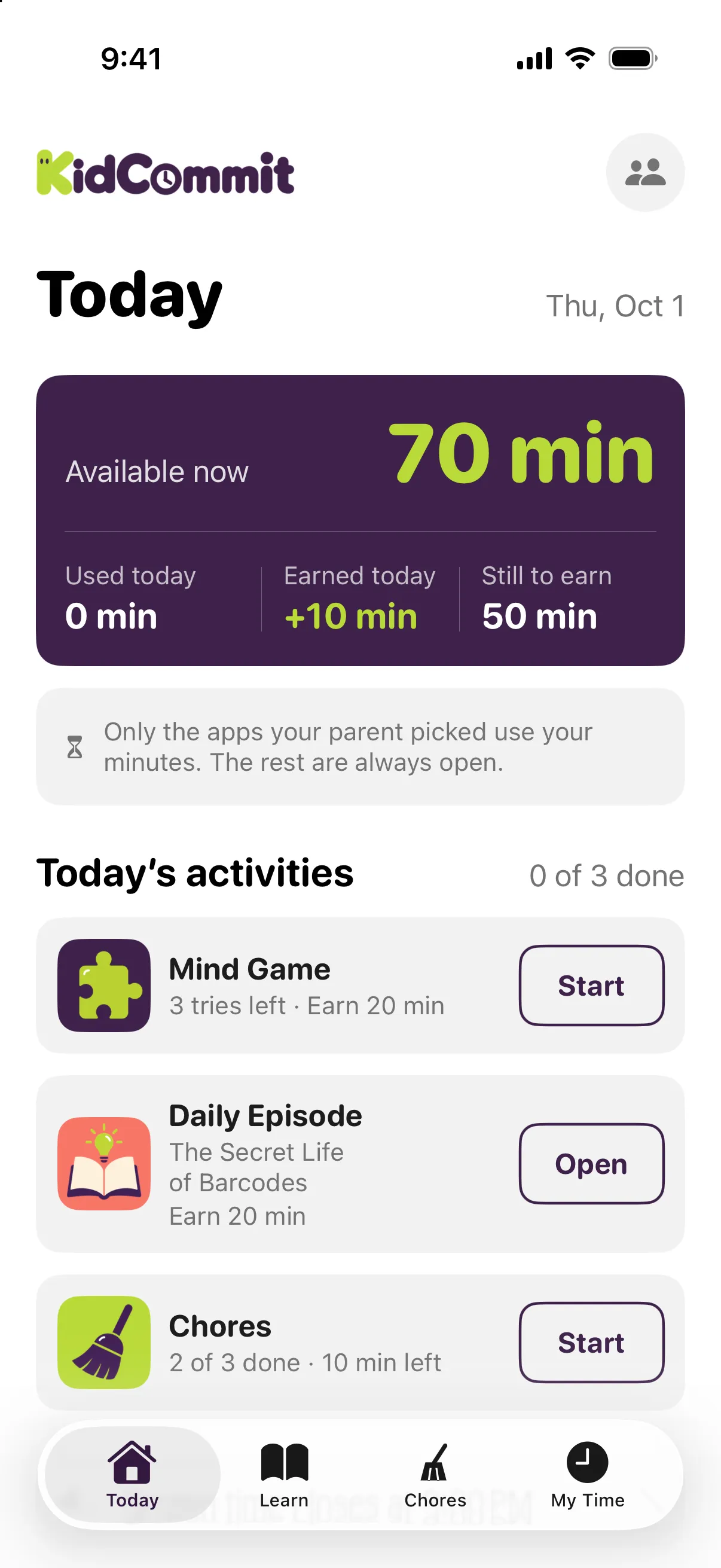
This page explains how earned minutes are calculated. A child can earn up to the same number of minutes as you give, and the day never goes past Daily max.
The mind game
There is one puzzle a day, with three tries. The puzzle comes from fourteen kinds in rotation: minesweeper-style, mosaic, net, sudoku, nonogram, code breaker, binary, light up, skyscrapers, dominosa, slitherlink, bridges, traffic jam, and logic circuit.
If your child solves it, they earn the mind game minutes for the day. If they use all three tries without solving it, they earn no minutes from the mind game that day.
Play time is limited to 30 minutes a day. After 15 minutes in a row comes a 15-minute break, and the puzzle waits where your child left it. Only time with the puzzle on screen counts: reading the rules or looking at the result does not. Two minutes before a break or the end, a line above the puzzle says so. If the 30 minutes run out before they solve it, they earn no minutes from the mind game that day. You do not set these limits; they are the same for every child.
In minesweeper-style and code breaker, a lost attempt shows the answer, so the next attempt gets a new puzzle of the same difficulty. The other kinds cannot be lost, and their puzzle stays the same all day.
Difficulty moves like a ladder, separately for each kind. It goes up a step after your child solves all three days of a block and down a step after three failed days in a row, and the age group sets how high and how low it can go.
- Mind game solved
- +20 min
- Three tries used without solving
- +0 min
- 30 minutes of play used without solving
- +0 min
The daily episode
There is one episode a day, written for the child’s age group: 7‑8 or 9‑11. Each episode has four or five short parts, each under its own heading, with a picture and narration. The child can read or listen; both contain the same material.
Then comes the test, with one attempt a day: eight questions and five right to pass at ages 7‑8, ten questions and six right to pass at 9‑11. During the test, the text and audio are closed, so the answers come from what the child understood, not from looking them up.
If your child passes, they earn the episode minutes for the day. If they fail, they earn no minutes from that episode, and that episode does not come back; a new one arrives tomorrow.
Every question is explained afterwards either way, with the right answer named and the block of the episode it came from.
- Episode test passed
- +20 min
- Episode test failed
- +0 min
Chores
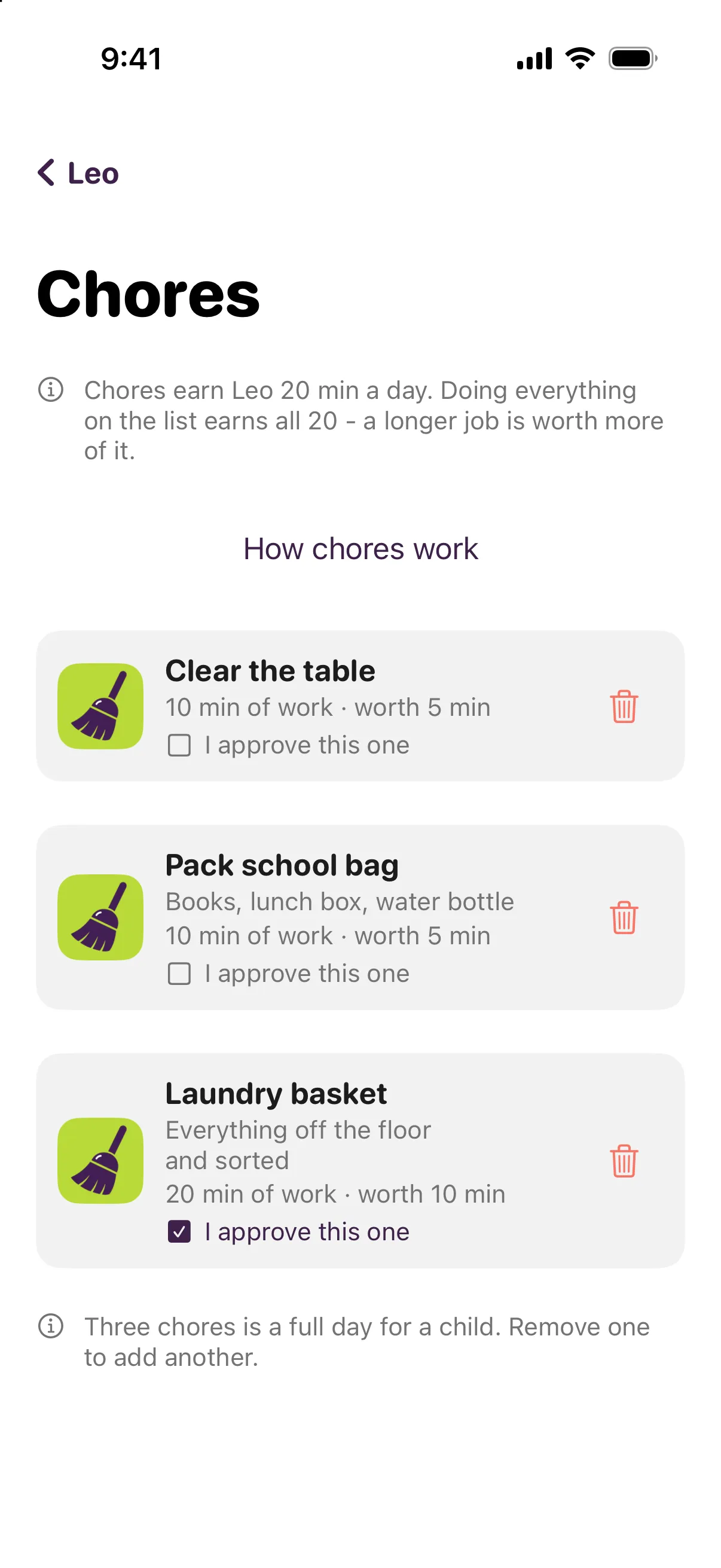
A child can have up to three chores. Each chore has a name, an optional note, and the time you expect it to take, from 1 to 240 minutes.
The day’s chore minutes are split between today’s chores in proportion to the time you set for each one. A longer job is worth more. Doing everything on the list earns all the chore minutes for that day.
If you give 60 min and all three earning routes are available, chores are worth 20 min total for the day. If you set three chores to 10 min, 10 min, and 20 min, the 20 chore minutes split as 5 min, 5 min, and 10 min.
Adding a chore divides the same chore minutes differently. It does not add more minutes to the day; the Daily max is still the Daily max.
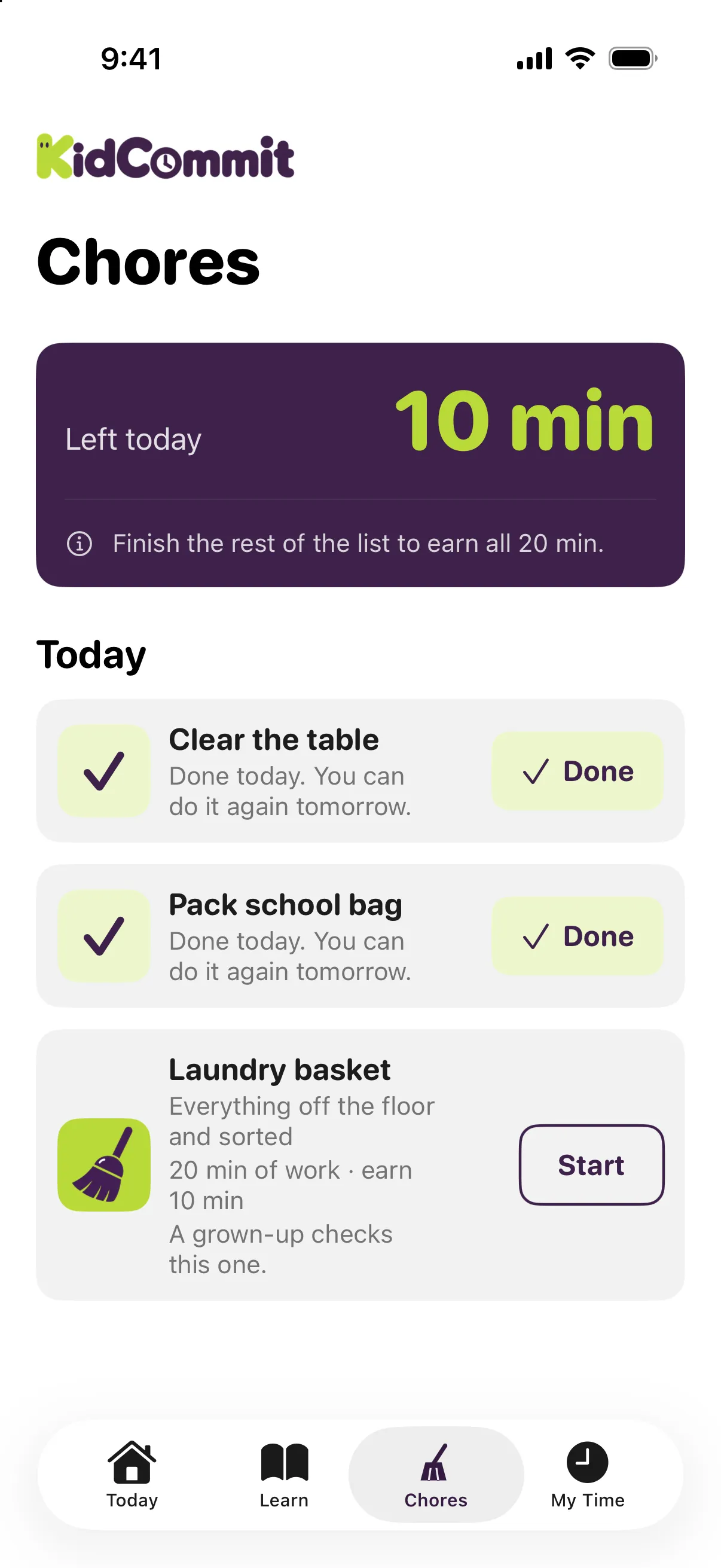
- Clear the table, set to 10 min
- +5 min
- Pack school bag, set to 10 min
- +5 min
- Laundry basket, set to 20 min
- +10 min
The chore timer
Your child taps Start, then a timer runs. “I’m done” only opens when the time you set has passed. The server enforces this, not just the button on the phone.
Taking longer is fine and does not change the minutes. The minutes a chore is worth are fixed when your child starts it, so if you change the chore list while they are working, they still get what was promised.
Only one chore can run at a time. A chore can be done once a day. Cancelling is always allowed; it gives no minutes, and another chore can be started the same day.
Trust, and approval when needed
Chores run on trust. KidCommit does not ask for a photo or video, and it does not check automatically whether the chore was really done. The app is strict about the timer, not about whether the socks reached the drawer.
You get a notification when your child starts a chore and when they finish. The actual time it took is shown first.
Approval is optional and off by default. It is set on one chore, not on the child. When approval is on, the minutes wait for your yes.
The notification opens the chores screen, and you decide there. Not yet puts the chore back on the list, and it can be done again the same day. If you never answer, the chore approves itself after the night that follows it; a chore finished after midnight still gives you the whole next day. Minutes from a chore approved on a later day go to your child’s “Saved up”, not into that day’s chore share, and the same happens when you answer the next day.